 Client Portal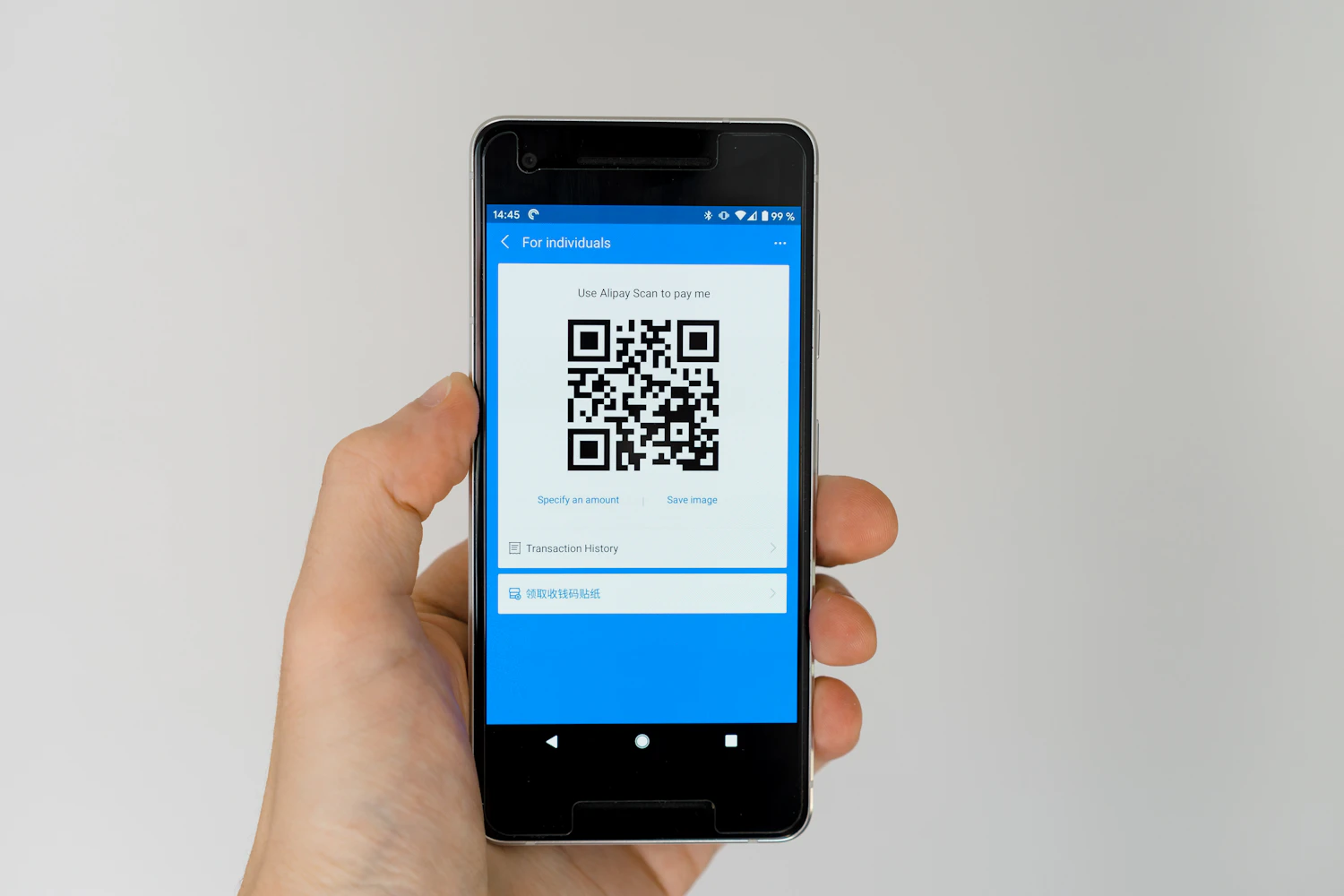
Key takeaways
- Quishing is phishing delivered through a QR code, and it slips past email filters because the malicious link travels inside an image.
- The code moves the click from a filtered work computer to an unfiltered personal phone, which is exactly why attackers use it.
- Three habits keep your team out of it: treat every QR code like an unknown link, make accounts payable a QR-free zone, and check physical codes for tampering.
A few years ago, scanning a QR code felt slightly suspicious. Today you probably scan three or four a day without thinking about it: a parking meter in the CBD, a cafe menu in Mornington, a conference badge, a charging station. That shift in habit is exactly what attackers are now exploiting.
There is a whole category of attack called quishing, which is simply phishing delivered through a QR code instead of an email link. It has climbed sharply since 2023, the US FBI has issued public warnings about it, and Australia's Scamwatch and the Australian Cyber Security Centre have flagged QR code scams here too. Small businesses tend to get caught more often than large ones, because the defences that would normally catch a dodgy link are not watching the QR code at all.
What quishing is, and why it works
Think about what happens when a phishing email lands in your inbox. Your email provider scans it against known threats, and your security tools flag suspicious links before you ever click. A layer of protection sits between you and the trap.
None of that exists with a QR code. You point your phone at a square of black-and-white dots and you have no idea where it is about to send you until you are already there. By the time a fake Microsoft 365 login page loads on your screen, you have also stepped outside your company's security stack, because you are usually scanning on a personal phone that is not running the same protections as your work laptop. The destination is hidden inside an image, the check happens after you arrive, and the device doing the scanning is the least protected one you own. That combination is the whole reason quishing works.
It is the same psychology behind every successful scam, which is that confidence is the risk, not a lack of intelligence. Careful people scan fake codes because scanning a code has become an automatic, trusted action.
Why a QR code gets past defences an email link would not
Email security has spent two decades getting good at reading links. It checks the visible text, the real destination behind it, the reputation of the domain, and whether the link has been seen in other attacks. A QR code defeats most of that in one step, because the address is encoded as an image rather than written as text.
That is why attackers increasingly drop a QR code into a PDF attachment or an image, rather than typing a link into the body of the email. The message reads as a harmless note with an attachment, the filter scans the words and finds nothing wrong, and the malicious address rides along inside a picture that the filter never decodes. You open the PDF, scan the code out of habit, and the trap springs on a device that was never part of the conversation your email security was having.
The three ways quishing reaches your team
Quishing attacks usually arrive in one of three forms.
A fake sticker over a real code. Someone prints a QR sticker and places it over the genuine one on a parking meter, an EV charger, a vending machine or a cafe menu. You scan what looks like the official payment code and land on a page that harvests your card details. Australian drivers and councils have already been caught out by fake stickers placed over parking meter codes.
A code hidden in a document. An attacker embeds a QR code inside a PDF invoice, a delivery notice or a shared file. The code slips past email filters that only scan text links, and the document looks routine enough that nobody questions it.
A flyer, poster or business card. A printed handout, a poster at an event, or a card left on a windscreen sends you to a fake landing page that either steals a login or quietly drops something onto your phone. The physical world lends it credibility that an email never could.
Three habits that keep your team out of it
You do not need to ban QR codes to stay safe. You need three habits that the whole team understands.
1. Treat every QR code like an unknown link
If a code arrives in an email, a PDF or a text message, do not scan it. Go to the company's real website yourself, the way you normally would, and find what you need from there. The rule is simple to teach and hard to get wrong: a code someone sent you is a link in disguise, and you would not click a link from an unknown sender either.
2. Make accounts payable a QR-free zone
Any invoice, payment portal or "click here to verify" that arrives as a QR code is a hard no. Your team should only ever pay through known logins they type into the browser themselves, never through a code embedded in a document. This is the single most valuable rule for a small business, because the people who handle payments are the ones attackers most want to reach, and the loss when it works is measured in real dollars out the door.
3. Check physical codes for tampering
Before you scan a code in the wild, take half a second to look at it. Is it a sticker laid over another sticker? Run a fingernail along the edge, and if it peels, walk away. Genuine codes are usually printed straight onto the surface, the menu or the sign, not stuck on top of it. On parking meters and charging stations in particular, a raised or slightly crooked sticker is the tell.
Where this fits in your wider security
Awareness is the first layer, not the only one. The same controls that protect you from email phishing also blunt quishing, which is why we build them into AgileSECURE rather than treating QR scams as a separate problem. An email gateway that decodes and inspects QR codes inside attachments stops many of these messages before anyone sees them. Phishing-resistant multi-factor authentication makes a stolen password far less useful. Mobile device management keeps work accounts on managed, protected phones rather than unmanaged personal ones.
It is worth being honest about the limits, too. Multi-factor authentication helps, but it is not a force field. Modern phishing pages can relay your login and steal the active session in real time, which is why MFA alone will not stop every attack. Layered controls exist precisely because no single one is enough. The same logic shows up on your cyber insurance renewal, where insurers now ask about email filtering, MFA strength and staff training as separate questions rather than a single box.
If you would like us to check whether your team's phones and email gateway are set up to flag malicious QR codes, that is a short conversation and a quick assessment, the kind we run for venues and offices across Melbourne and the Mornington Peninsula. It is far cheaper than the cleanup after someone scans the wrong square.