 Client Portal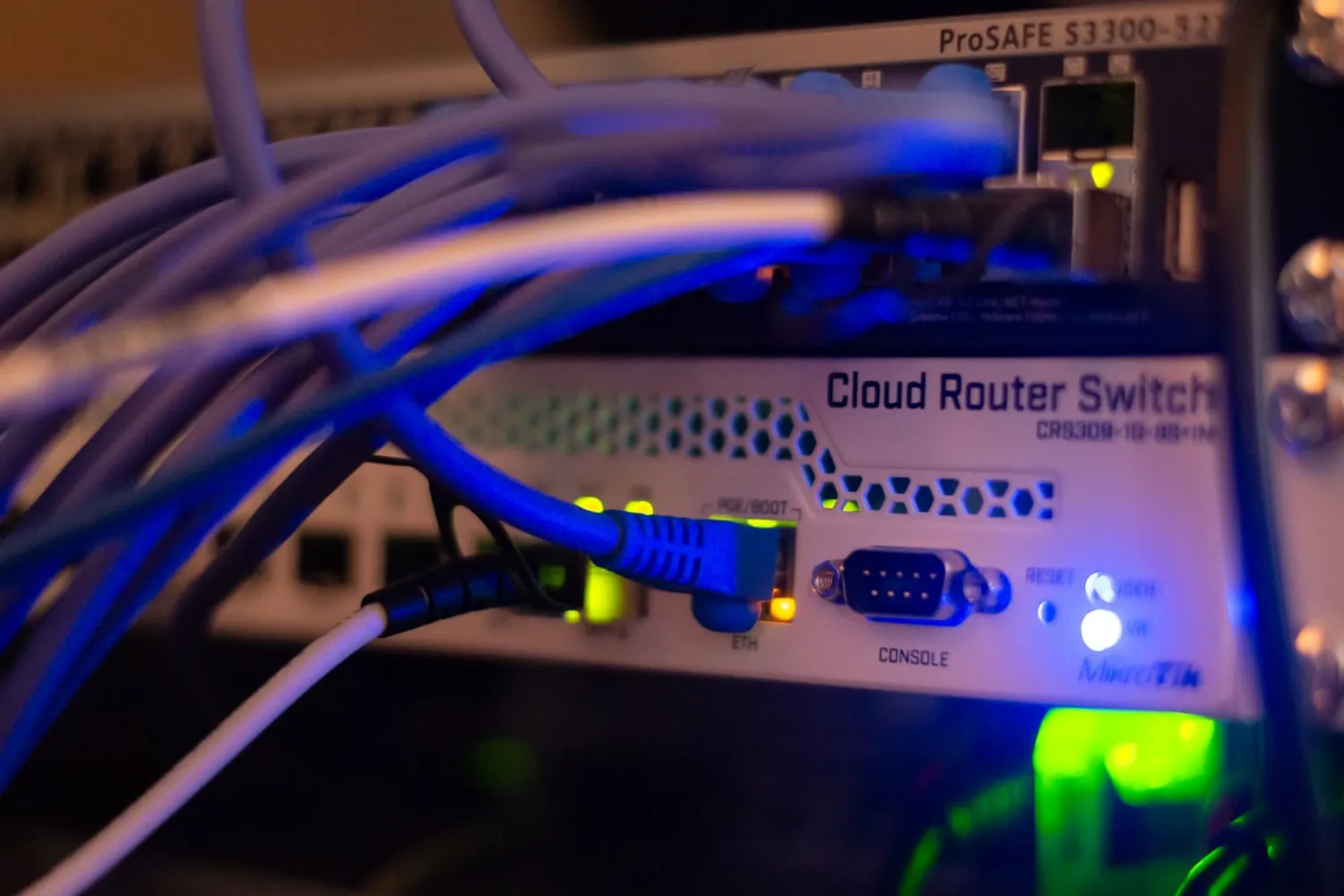
The short answer
A business network setup should include a business-grade firewall router, Wi-Fi designed for the space with guest traffic on its own network, managed switching, tidy cabling, an internet service with failover, secure remote access and monitoring that sees faults before your staff do. For a 5 to 50 person business the equipment is the smaller half of the job: the design, the configuration and the ongoing management are what make a network dependable.
The reason two networking services quotes for the same office can be a few hundred dollars apart from one and several thousand from the other is that they are not quoting the same thing. One is selling boxes. The other is designing an environment: how the space is covered, how traffic is separated, what happens when the internet drops, and who is watching it afterwards.
How to tell your business has outgrown its network
The symptoms are familiar in almost every office we walk into. Video calls that stutter in one meeting room but not another. Wi-Fi dead spots where the printer or the lunchroom happens to be. Eftpos dropping out at the worst moment. A cabinet with a retail router working far too hard, and a culture of “restart the modem” as the fix for everything. None of that is bad luck. It is a network that was set up for a smaller business than the one now using it.
The seven pieces of a proper setup
A business-grade firewall router. The box the internet provider ships is built for a household. A business firewall filters what comes in and goes out, supports separate networks, and gives whoever manages your IT visibility when something is wrong.
Wi-Fi designed for the space. Coverage is a design job, not a shopping decision. An office over two floors, a consultancy in a heritage building in Hawthorn, or a warehouse where the signal has to reach past racking all need access points chosen and placed for that space, then tuned so they cooperate rather than compete.
Managed switching and tidy cabling. The unglamorous middle of the network. Managed switches let problems be found and isolated remotely; clean cabling means the next change takes minutes instead of an afternoon of tracing mystery cables.
Separation between business and guest traffic. Visitors, customer devices and staff phones belong on their own network, fully fenced off from file servers, printers and point-of-sale. This is one configuration decision, and it removes an entire category of risk.
An internet service with failover. For a business that transacts through the day, a second path, typically 4G or 5G backup, turns an NBN outage from a lost afternoon into a non-event. Our full-fibre upgrade guide covers the primary link side.
Secure remote access. Staff working from home or on the road should reach business systems through managed identity and, where needed, a proper VPN, not a port someone opened years ago and forgot.
Monitoring. A managed network reports its own faults. When the internet drops at a Moorabbin warehouse at 6am, the right outcome is that whoever manages it already knows before the first forklift driver clocks on.
Where the cheap version cuts corners
A cheap network setup usually means one access point too few, no separation between guest and business traffic, unmanaged switches nobody can see into, and no failover. It works on the day it is installed, which is exactly the problem: every weakness it hides is discovered later, during a busy week, one dropout at a time. The price difference between doing it once properly and doing it twice is rarely in the proper version’s favour.
Project or managed service?
Both, usually in that order. A new fit-out, an office move or a network refresh is a scoped, fixed-price project: survey, design, equipment, installation, documentation. The ongoing side, monitoring, management, changes and support, is AgileCONNECT, delivered within or alongside AgileMANAGED so the network is looked after by the same partner responsible for everything else, rather than left to whoever installed it last.
Who should own it
Someone should be accountable for the network by name, the same way someone is accountable for your Microsoft 365 and your security. When the internet provider blames the Wi-Fi and the Wi-Fi installer blames the internet provider, the business owner ends up as the project manager of their own outage. One accountable partner ends that. We are based in Mornington and design, build and manage business networks across Melbourne and the Mornington Peninsula.