 Client Portal
Key takeaways
- UniFi runs the firewall, switches, Wi-Fi, cameras and door access from one console, with no licence fees to manage any of it.
- Agile IT standardised on UniFi for client networks and runs the same platform in its own Mornington office, so we live with what we recommend.
- The console works locally: the network keeps running, cameras keep recording and doors keep working if the internet drops.
- UniFi suits most offices of 5 to 50 staff. Regulated businesses may still want a dedicated firewall in front of it, and large or difficult buildings need a specialist wireless design.
- In Victoria, cameras and door access come with legal obligations of their own, including where cameras may not go and who may install them.
When we moved into our new office in Mornington, the network was the part of the fit-out we cared most about getting right. It is the thing every other system depends on, and as a managed IT provider it is also the thing clients assume we will have done properly. So we used the move to put the platform we recommend to clients under our own roof first: UniFi, from Ubiquiti.
This article explains how UniFi works, why we chose it as our standard for business networks, what we installed in our own building, and where we think it fits and where it does not. It is written for the owner or practice manager of a 5 to 50 staff business, say a 25-person practice in Frankston weighing up a network refresh, who wants to understand the decision rather than the cabling.
How UniFi works
UniFi is built around a console. In a typical office that console is a cloud gateway: the box that connects the office to the internet, acts as the firewall, and runs Ubiquiti's operating system for everything else on the network. Our office runs a UniFi Dream Machine Special Edition, a rack-mounted gateway with a built-in drive bay for camera recordings.
The console runs a set of applications, each managing one part of the building:
- UniFi Network manages the gateway, the switches and the Wi-Fi access points: which devices sit on which network, the firewall rules between them, and the wireless networks staff and guests connect to.
- UniFi Protect manages the cameras. Recordings are stored on drives in the console in your own building, not in a cloud service, and each camera's on-board detection can tell a person or a vehicle from general movement.
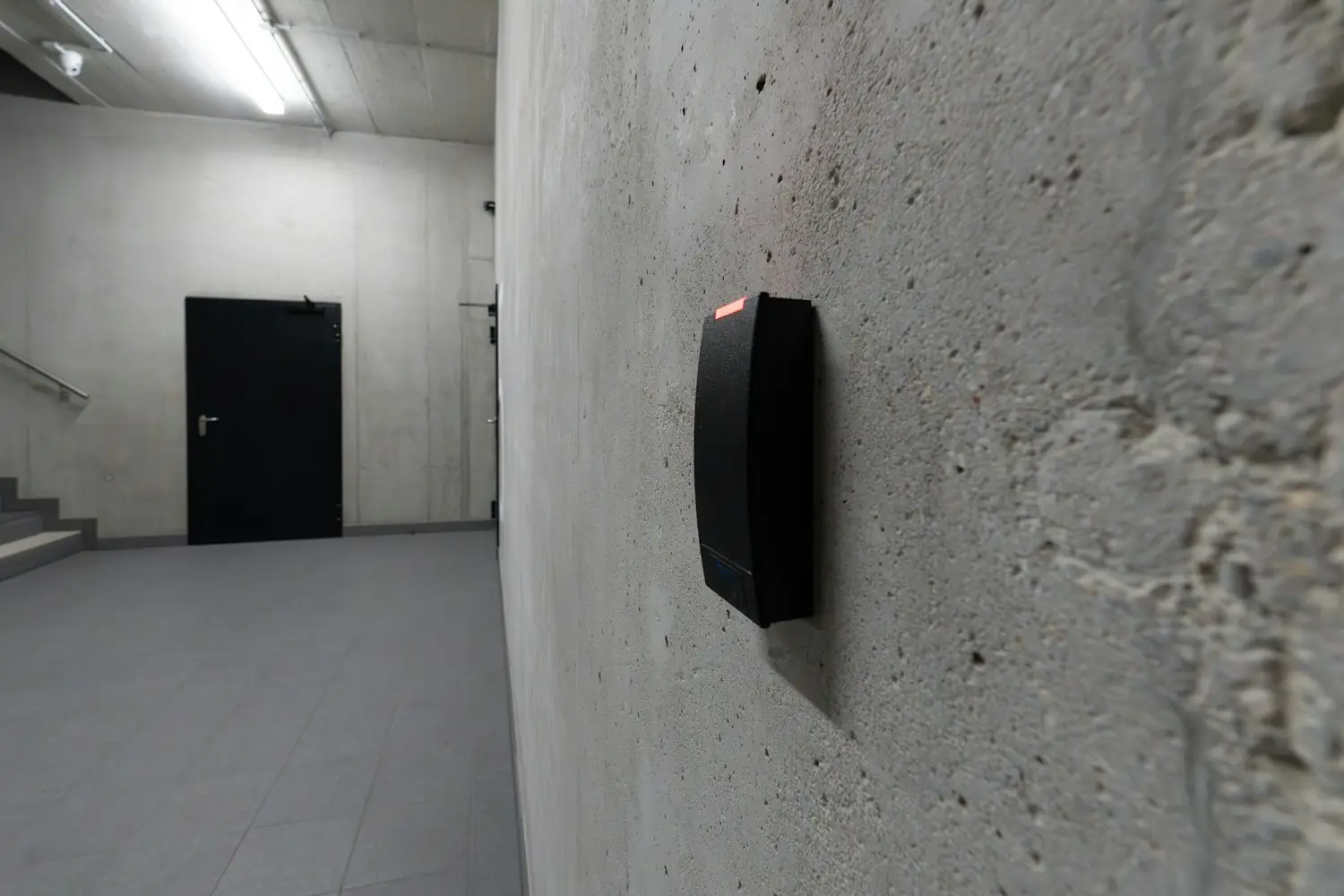
- UniFi Access manages the doors: the hub that controls each lock, the reader beside the door, and the credentials that open it, from cards and key fobs to a phone.
Every device is adopted into the console once, and from then on its settings, firmware and monitoring come from one place. Site Manager, Ubiquiti's free and optional cloud portal, lets an IT provider reach the consoles at every client site from one screen without a separate management subscription. For a business with more than one office, that is one view of every site rather than a login per building.
The design choice that matters most is that the console works locally. The cloud portal is a window into it, not the thing running it. If the internet drops, the network still routes, the cameras keep recording to the drives in the building, and the door hubs hold their access rights so the doors keep working even if the console itself is restarted.
Why we chose UniFi as our standard
We looked at the business networking platforms our clients actually run. Three reasons decided it.
No licence fees. Many business networking platforms charge a per-device licence to manage the equipment through their cloud, renewed every one to five years, and on some of them a lapsed licence stops the management console or the equipment itself. UniFi charges nothing to manage the network, the cameras or the doors. Ubiquiti puts it plainly for cameras: “licensing is still $0” whether you run four or four thousand. Over the five-to-seven-year life of a network, that is a real saving and one less renewal to forget. There is an optional paid subscription for enhanced threat signatures and content filtering, which we treat as a security choice per client, not a management fee.
One console for everything. The network, the cameras and the doors share one console, one app and one set of administrator accounts. That makes the building easier to run and easier to secure: when someone leaves, their network access, camera access and door credential are removed in one place, and when something happens at a door, the event and the camera footage sit side by side.
A standard we can support well. A managed network is only as good as the provider's familiarity with it. Standardising on one platform means our team knows it deeply, configurations follow one pattern across clients, spares are interchangeable, and a fault at one site is a fault we have usually seen before. Our guide to why we standardise the technology stack makes the wider case.
What we installed in our own office
Our office runs the full UniFi stack, and it is the reference we hold client designs against:
- One console running the gateway, firewall and all three applications.
- Two separate networks: one for staff computers and one for building devices such as cameras, door controllers and sensors, with firewall rules between them so a compromised camera cannot reach a staff laptop.
- Ten Protect cameras inside and around the building, using person detection rather than raw motion for anything that raises an alert.
- Access on the main entry and the roller door, with staff cards and phone credentials, and the roller door opening and closing on a schedule.
- Doors, cameras and the building alarm working together, so badging in at the main entry disarms the alarm, and the cameras confirm what the alarm saw.
A licensed security installer fitted the cameras and door hardware, and we configured the system. Running it every day taught us a few things worth passing on:
- Use person detection, not motion, for decisions. Camera motion detection reacts to changing light, including a roller door moving on its schedule. Anything that sounds a siren or sends an alert should rely on person detection.
- Keep building devices on their own network. Cameras, door controllers and sensors do not need to reach staff computers, and should not be able to. Check the rules cover both IPv4 and IPv6, because a rule written for one does not cover the other.
- Protect the administrator accounts. Whoever can sign in to the console can see the cameras and open the doors. Named accounts, multi-factor sign-in and a short list of administrators are not optional.
Where UniFi fits, and where it does not
UniFi suits most offices of 5 to 50 staff, single site or several. For a typical practice it delivers a business-grade firewall, fast switching, current Wi-Fi and central management at a lower total cost than licence-based platforms. We are also clear about its limits:
- Plan your own replacement dates. Some vendors publish fixed end-of-support dates years in advance. Ubiquiti's support life is less predictable, so we set replacement points for gateways, switches and access points ourselves, in line with our guide to how long network equipment should last.
- Buy through an Australian distributor. Manufacturer warranty on much of the range is shorter than some business brands, and grey-import stock may carry none in Australia. The Australian Consumer Law guarantees still apply, and we keep spares for the items a site cannot run without.
- Know when a dedicated firewall belongs in front. The UniFi gateway is a capable firewall for most offices. A business with strict compliance obligations, an insurer asking for specific controls, or a need for deep inspection of encrypted traffic may still want a dedicated firewall at the edge, and we will say so when that applies.
- Large or difficult buildings need a specialist wireless design. Warehouses with high racking, cold rooms and sites with several buildings are surveyed and designed with a specialist wireless partner before we manage the network.
Cameras and door access: what the law asks in Victoria
Cameras and door access are where a network project meets the law. In Victoria, the Surveillance Devices Act 1999 prohibits cameras and listening devices in workplace toilets, washrooms, change rooms and lactation rooms, and restricts recording people's private conversations. Most business cameras can record sound, so we leave audio off. Tell staff where cameras are and why, put up signage, and get advice on anything unusual.
Installing CCTV and electronic access control for someone else is also a licensed activity in Victoria, regulated by Victoria Police under the Private Security Act 2004. Agile IT does not install or manage cameras or door access for clients. If you want them on the same platform as your network, a licensed security installer fits and maintains them, and we make sure the network they sit on is ready, separated and secured.
How we deliver a UniFi network
For clients, UniFi networks are managed through AgileCONNECT as part of AgileMANAGED, alongside the internet service and the backup connection that feed them. AgileEQUIP supplies the equipment configured and ready to install, and a new installation or a refresh is quoted as a fixed project. Our guide to setting up a business network covers what a proper setup includes.
We are based in Mornington, where our own office runs the same platform we recommend, and we manage networks for businesses across Melbourne's south east and the Peninsula. If your network is due for a refresh, start with a conversation and we will tell you whether UniFi is the right fit for your building.