 Client Portal
Key takeaways
- Restarting once a week lets updates finish installing and clears the slowdowns that build up when a computer is never switched off.
- Updates close security holes attackers already know about, so postponing them leaves the door open for longer.
- Most attacks start with a click, so pause on any email that is urgent, unexpected or asks you to pay, sign in or change bank details.
- Locking your screen whenever you step away takes a second and stops anyone using your signed-in accounts.
- Files saved to OneDrive survive a lost, stolen or broken laptop and keep earlier versions; files on the desktop do not.
For a 10-person accounting practice or a busy trades office in Dandenong South, most IT problems do not start with a dramatic attack. They start with a laptop that has not restarted in a month, an update postponed one too many times, or a link clicked in a hurry at the end of the day.
The fix is not a project. It is a handful of habits that take seconds, and they work best when the whole team keeps them.
1. Restart weekly
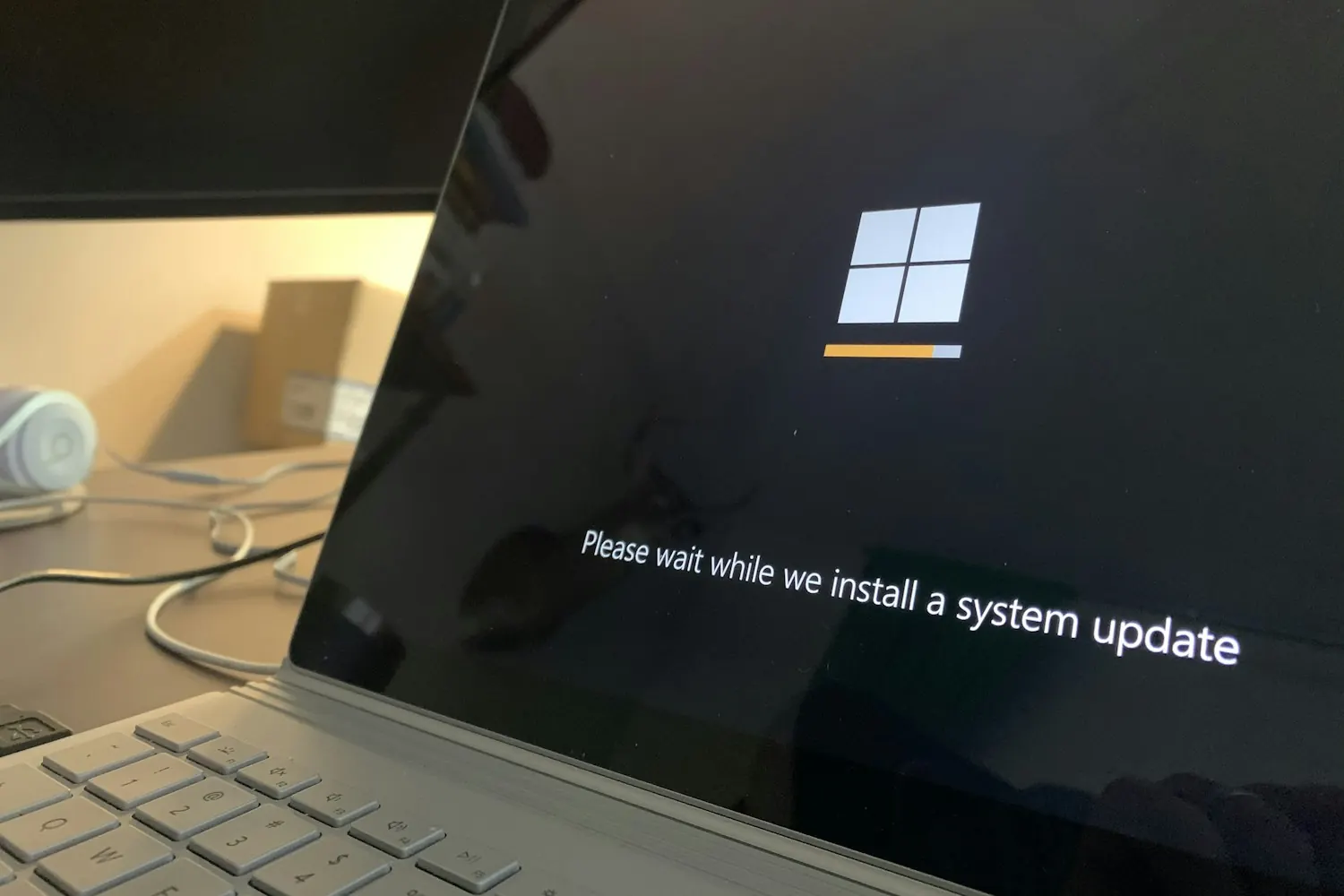
Closing the lid or putting a computer to sleep is not a restart. Many updates only finish installing when the computer restarts, and a fresh start clears the stuck apps and slowdowns that build up over weeks of being left on. Pick a regular time, such as Friday afternoon before you head home, and choose Restart.
On Windows 11, it matters which button you press: Shut down does not always fully restart the computer, while Restart does. We explain why in restarting your computer is not the same as shutting it down.
2. Don’t ignore updates
Updates fix security weaknesses that attackers already know about, and often already use. Patching applications and operating systems is part of the Essential Eight, the Australian Government’s baseline for cyber security (what is the Essential Eight?). Install updates when they are offered, or at the end of that day, rather than pressing “remind me later” for weeks.
That goes for phones, web browsers and apps as well as Windows. If your IT provider manages your devices, most updates are scheduled for you, and your part is the restart that lets them finish. And if anyone in the business is still on Windows 10, it stopped receiving security updates in October 2025, so it is time to plan the replacement.
3. Think before you click
Most attacks on small businesses start with an email, a text or a QR code. Pause on anything that is urgent, unexpected, or asks you to sign in, pay something or change bank details, even if it seems to come from someone you know. Hover over a link to see where it really goes before you click it, and be just as careful with QR codes (the QR code scam your email filter cannot see).
If an email asks for a payment or a change of bank details, call the person on a number you already have before you do anything. If something looks wrong, report it with the Report button in Outlook rather than just deleting it (one of our 5 simple Outlook tips).
4. Lock your screen
Every time you step away from your desk, even to make a coffee, lock your screen. On Windows, press the Windows key and L together. On a Mac, press Control, Command and Q. It takes a second, and it stops anyone walking past from reading your email or using accounts you are signed in to. An automatic lock after a few minutes is a good backstop, but it is not a substitute (why the habit matters).
5. Save to OneDrive
A file saved only to the desktop or the Downloads folder exists on that one laptop. If the laptop is lost, stolen, dropped or hit by ransomware, the file goes with it. Files saved to OneDrive live in Microsoft 365, open on any of your devices, and keep earlier versions, so a mistake can be rolled back.
OneDrive is for your own work. Files the team shares belong in SharePoint or the Teams channel for that work (OneDrive or SharePoint: where should your business files live?). Your IT provider can also set OneDrive to protect the Desktop and Documents folders automatically, so nobody has to remember.
Making them team habits
Pick one habit for each team meeting this month, and share this post with anyone who missed it. Five small habits, kept by everyone, prevent more problems than most of the technology a business can buy.
Agile IT is based in Mornington and looks after the IT behind these habits, from updates and backups to security monitoring, for businesses across Melbourne and the Peninsula through AgileMANAGED. If you would like someone taking care of the rest, start with a conversation.